Case Notes That Capture What Actually Happened

Case Notes That Capture What Actually Happened

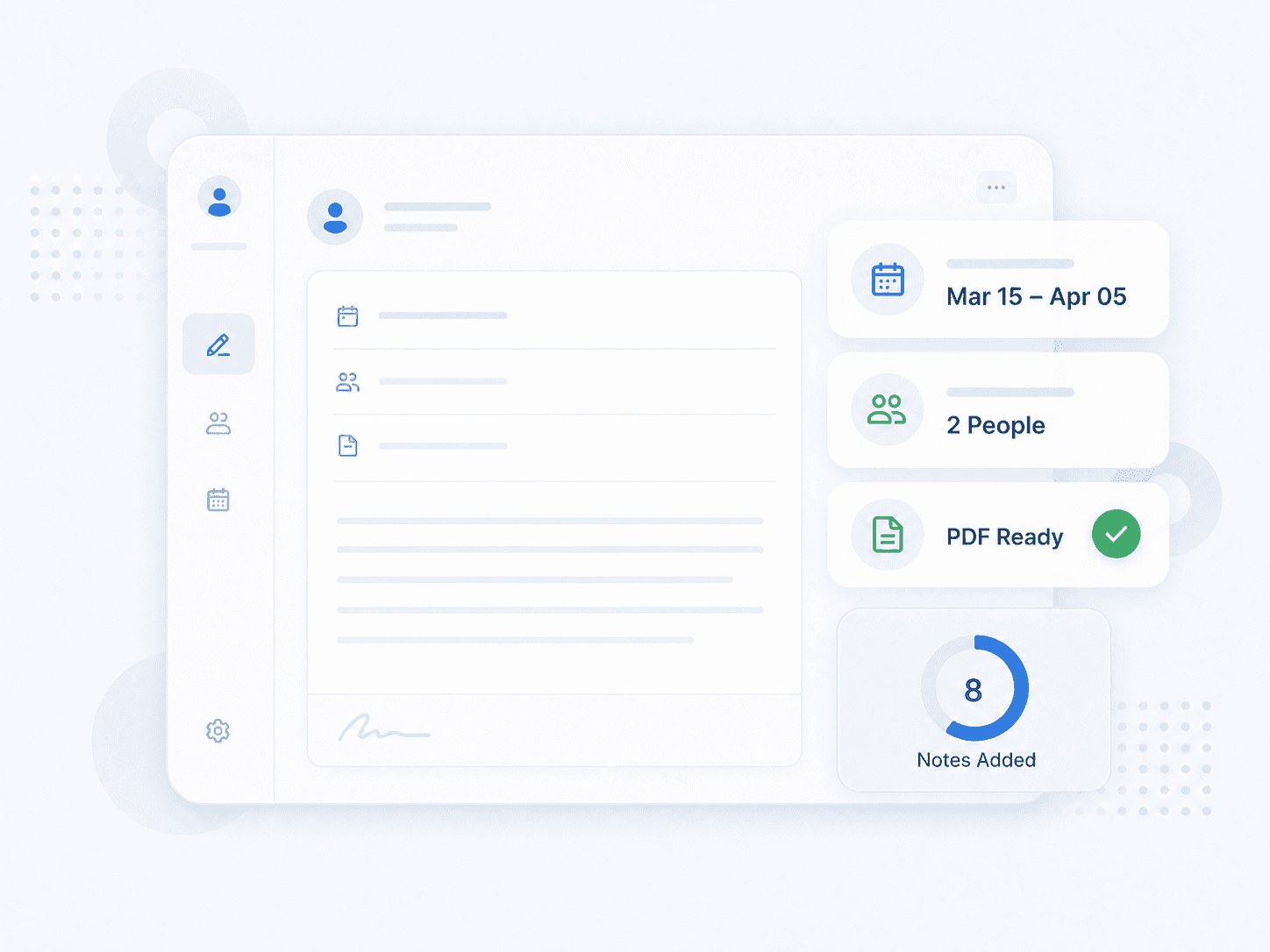
The narrative record is what an auditor reads and what the next coordinator relies on. Verveware makes case notes fast to create, connected to the people they concern, and exportable as a print-ready PDF for any date range or note type.

The narrative record is what an auditor reads and what the next coordinator relies on. Verveware makes case notes fast to create, connected to the people they concern, and exportable as a print-ready PDF for any date range or note type.

the problem

Documentation Written Later Is Documentation Written Worse

Verification proves a visit happened. Case notes explain what happened, and that is the part that tends to get reconstructed from memory at the end of the week.

Notes Written From Memory

A caregiver mentions something at clock-out, a coordinator writes it up on Friday, and the detail that mattered is gone.

Notes Written From Memory

A caregiver mentions something at clock-out, a coordinator writes it up on Friday, and the detail that mattered is gone.

Notes Written From Memory

A caregiver mentions something at clock-out, a coordinator writes it up on Friday, and the detail that mattered is gone.

Context Split Across Systems

The important conversation happened over text. The documented note says a call was made. Neither tells the whole story.

Context Split Across Systems

The important conversation happened over text. The documented note says a call was made. Neither tells the whole story.

Context Split Across Systems

The important conversation happened over text. The documented note says a call was made. Neither tells the whole story.

Notes Nobody Can Pull

An auditor asks for all monthly call notes for a client across six months, and someone starts opening records one at a time.

Notes Nobody Can Pull

An auditor asks for all monthly call notes for a client across six months, and someone starts opening records one at a time.

Notes Nobody Can Pull

An auditor asks for all monthly call notes for a client across six months, and someone starts opening records one at a time.

features

Documentation Connected to Its Source
Coded, Dated Case Notes

Each note carries a case note code such as MC for Monthly Call, a date you set, long-form case documentation, and optional uploaded documents attached directly to it.

Mentions

Tag the other party in a note. A client monthly call can mention the caregiver it concerns, so the note surfaces on both records instead of just one.

Mentions

Tag the other party in a note. A client monthly call can mention the caregiver it concerns, so the note surfaces on both records instead of just one.

Caregiver Notes at Clock-Out

Caregivers write a note in the mobile app when clocking out. It stores on the schedule and notifies the supervisor, and a case note can be created straight from either.

Promote Chat Into Documentation

Select the messages that matter from a caregiver chat thread and add them directly to Case Notes, so the real conversation becomes part of the record.

HOW IT WORKS

Creating and Exporting Case Notes

01

Open the record

Go to the client or caregiver, open the Documents tab, and select Case Notes from the document dropdown.

01

Open the record

Go to the client or caregiver, open the Documents tab, and select Case Notes from the document dropdown.

02

Add the note

Click Add Case Note. Set the code, the date, any mentions, and write the case documentation in long-form text.

02

Add the note

Click Add Case Note. Set the code, the date, any mentions, and write the case documentation in long-form text.

03

Attach supporting documents

Upload anything related to the note so the evidence and the narrative stay together.

03

Attach supporting documents

Upload anything related to the note so the evidence and the narrative stay together.

04

Or create it from a source

Generate a case note from a caregiver's clock-out note, from a supervisor notification, or from selected chat messages.

04

Or create it from a source

Generate a case note from a caregiver's clock-out note, from a supervisor notification, or from selected chat messages.

05

Filter for what you need

Select a date range and a case note type to isolate exactly the notes in question.

05

Filter for what you need

Select a date range and a case note type to isolate exactly the notes in question.

06

Export print-ready

Click the PDF icon. The notes download in a print-ready format, which is what you hand to an auditor.

06

Export print-ready

Click the PDF icon. The notes download in a print-ready format, which is what you hand to an auditor.