Illinois IDOA EVV Compliance: Referral Upgrade
Illinois IDOA EVV compliance workflows get easier with Verveware’s upgraded referrals, IDOA form generation, status tracking, and client creation.
Resources
Simplify Illinois IDOA Referrals With Verveware
Sagar Kumar, COO and Co-Founder, Verveware
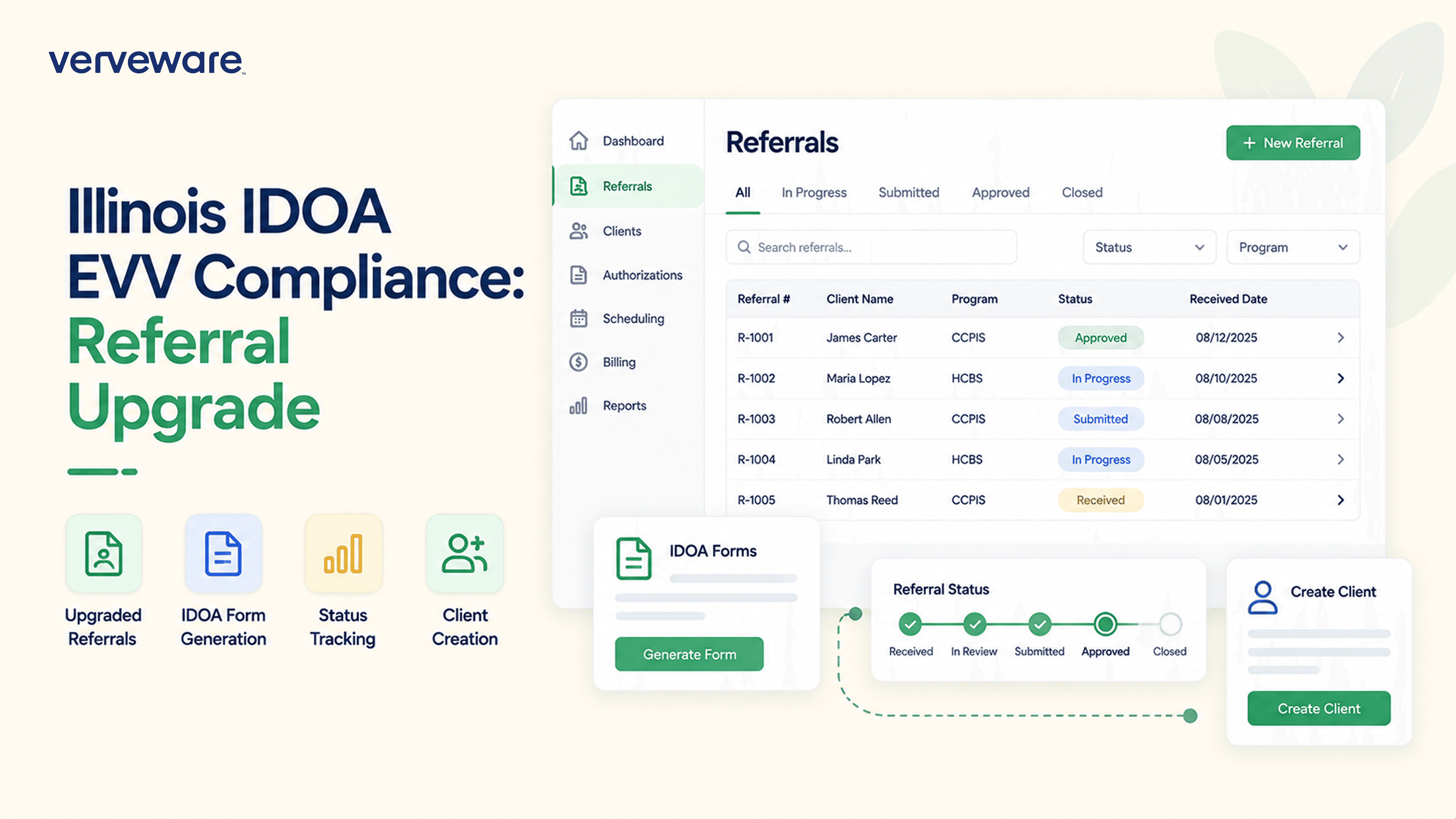
Managing Illinois homecare referrals shouldn’t mean repeatedly entering the same information into forms and client records. Verveware’s upgraded referral management workflow makes it easier to track referrals, complete the IDOA Referral Form, and turn an authorized referral into a client—all from one connected workflow.
For agencies managing Illinois IDOA EVV compliance and day-to-day home care operations, that means less manual paperwork and a clearer path from referral to active client.
Manage Referrals From One Place
Verveware now gives your team a dedicated referral workflow connected to your client and caregiver records.
From a Client or Caregiver page, click Referrals to open the referral page. Here, your team can view referrals and see where each referral came from using the Referrer field.
Need to correct or update something? Click the appropriate referral row and edit the available fields without starting the process over.
This gives administrators a central place to manage referral information instead of relying on disconnected paperwork as a referral moves forward.
Complete the IDOA Referral Form Without Manual Paperwork
For Illinois agencies, one of the biggest improvements is a smarter workflow for completing the IDOA Referral Form.
Open a referral row and select Edit IDOA Referral Form. Verveware organizes the form into five sections:
Basic
Facility & Personal Identification
Family
Health
Additional
Your team can complete the relevant information within Verveware and click Save to generate the completed PDF.
Instead of manually filling out the IDOA Referral Form outside your homecare management software, the referral information and form workflow stay connected.
This feature supports your agency’s IDOA referral documentation and recordkeeping processes. It does not guarantee regulatory compliance or replace documentation specifically required by the Illinois Department on Aging or other applicable programs.
Move an Authorized Referral Directly Into Client Creation
The upgraded workflow also simplifies what happens after a referral is authorized.
To change a referral’s status, open the appropriate row and select the new status. When you change the status to Authorized, Verveware displays two additional fields:
Supervisor
Location
Complete those fields and select Save and Create Client.
Verveware then creates the client profile from the referral workflow. Once the client is created, the referral row becomes locked to prevent further changes to that completed record.
Your team can still move directly to the new client profile by clicking the client’s name.
The result is a more connected handoff between referral management and client setup, reducing the need to move information manually between separate processes.
Bring Your Illinois Referral Workflow Into Verveware
Illinois homecare agencies already have enough documentation to manage. Verveware’s updated referral management system keeps referral tracking, IDOA Referral Form generation, authorization status, and client creation in one workflow.
The new referral system is available now in Verveware.
Log in to your Verveware account and open Referrals to start using the upgraded workflow today.


