Automated EVV Compliance with Telephony Tasks
Automated EVV compliance gets easier with Telephony Tasks, letting caregivers clock in, clock out, and report Plan of Care tasks by phone.
Resources
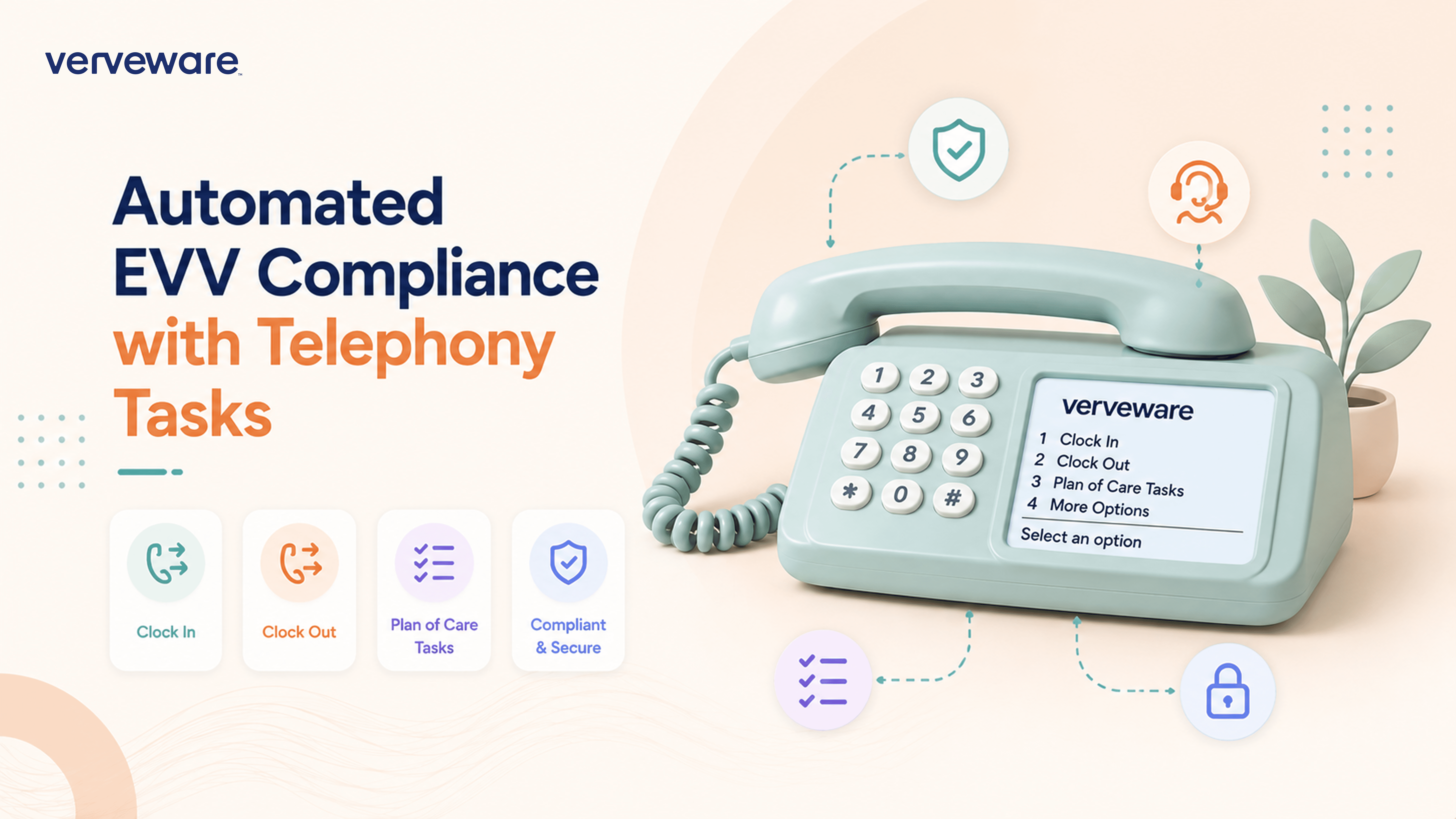
Simplify ADLs and Caregiver Task Reporting with Telephony Tasks
Sagar Kumar, COO and Co-Founder, Verveware
Caregivers don't always need another app or another step in their workflow. With Verveware's new Telephony Tasks add-on, caregivers can clock in, clock out, and report completed tasks using a telephone—helping agencies maintain clearer visit records and support Plan of Care (POC) compliance.
What Are Telephony Tasks?
Telephony Tasks extend Verveware's telephony workflow by allowing caregivers to report tasks during the same phone-based process they use to clock in and out.
Instead of requiring a separate task-reporting process, caregivers can use an authorized client phone number to record their visit and, when clocking out, indicate which tasks were completed.
For home care agencies, this provides a straightforward way to connect caregiver task reporting with visit documentation. It can be especially useful when telephony is the preferred or available method for recording a visit.
How Verveware Telephony Tasks Work
The caregiver workflow is designed to stay simple.
Step 1: Call From an Authorized Client Phone Number
The caregiver calls Verveware's telephony system from an authorized phone number associated with the client.
Step 2: Clock In or Clock Out
The caregiver presses 1 to clock in or 2 to clock out, followed by the pound (#) key.
This keeps visit reporting within a familiar phone-based workflow.
Step 3: Report Completed Tasks at Clock-Out
When clocking out, the caregiver can choose how to report tasks:
Press 1 to add all tasks. This is the recommended option when all applicable tasks have been completed.
Press 2 to add tasks individually, separating individual task selections with the asterisk (*) key.
This gives caregivers a practical way to document what happened during the visit without having to complete a separate task-reporting workflow.
Support Plan of Care Documentation
Task reporting matters because a completed visit is more than a clock-in and clock-out time. Agencies also need records showing the care delivered during that visit.
Telephony Tasks help caregivers capture task completion alongside their visit information, making it easier for agencies to maintain records related to the client's Plan of Care.
That can reduce the disconnect between EVV activity and caregiver task documentation: the caregiver reports the visit and its tasks through the same telephone workflow.
Telephony Tasks support your agency's records and workflows; they do not replace documentation or other requirements specifically required by Medicaid programs, regulators, payers, or other applicable authorities.
Add Telephony Tasks to Verveware
Telephony Tasks are available as an add-on feature for Verveware. If your agency uses telephony and wants caregivers to report completed tasks as part of the clock-out process, the feature can add task documentation directly to that workflow.
For pricing details and information about adding Telephony Tasks to your organization, contact the Verveware sales team at sales@verveware.co.


